Exploring Shader Lab: A Deep Dive into Visual Effects
By basement.studio
AI Summary
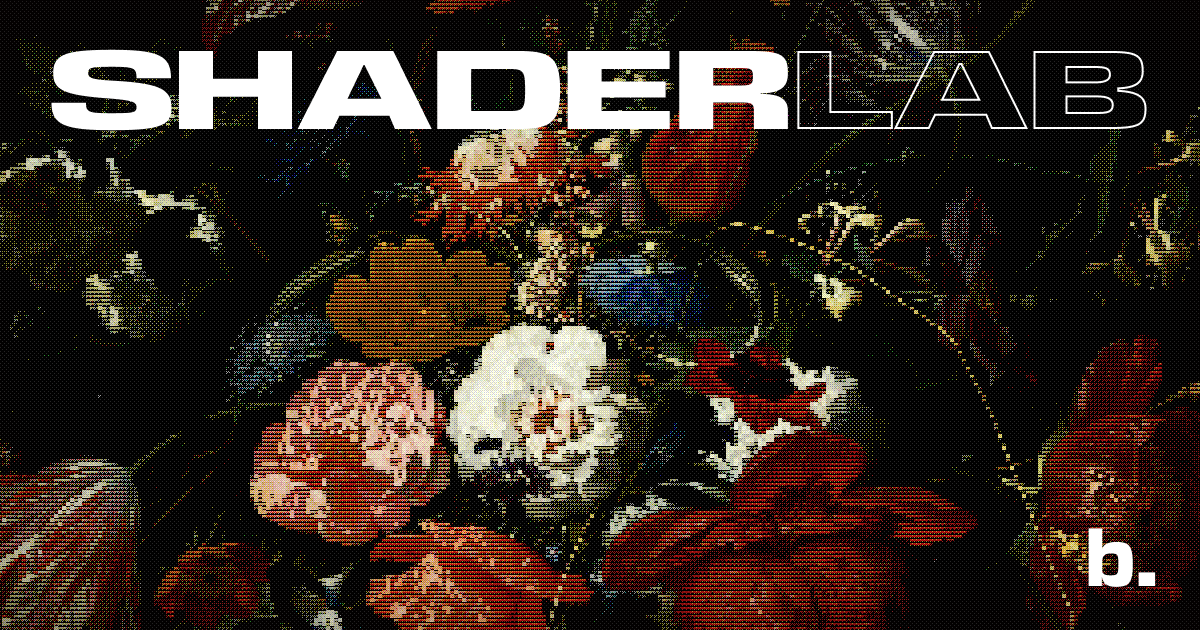
Shader Lab offers a comprehensive suite of tools for creating stunning visual effects. At its core, it allows users to manipulate various parameters such as Opacity, Blend Mode, and Hue Saturation to achieve desired visual outcomes. The tool also provides settings for Mask Scale and Scanline Intensity, which are crucial for adding depth and texture to images.
Advanced features like Distortion and Convergence enable users to simulate complex visual phenomena, while Vignette and Phosphor Beam Focus add a cinematic touch. Brightness and Highlight Drive settings are essential for controlling light dynamics, ensuring that visuals are both striking and balanced.
For those looking to push creative boundaries, Shader Lab includes options for Noise, Flicker, and Glitch effects, each with adjustable speed and intensity. Bloom effects, with customizable intensity, threshold, radius, and softness, allow for the creation of ethereal glows and highlights, enhancing the overall aesthetic of the visual output.
Key Concepts
Visual effects (VFX) are the processes by which imagery is created or manipulated outside the context of a live-action shot in filmmaking and video production. They are used to create environments, objects, creatures, and even people that would be dangerous, costly, or simply impossible to capture on film.
Shader parameters are the adjustable settings within a shader that allow for the customization of visual effects. These parameters control aspects such as color, texture, lighting, and distortion, enabling artists to fine-tune the appearance of their digital creations.
Category
DesignOriginal source
https://eng.basement.studio/tools/shader-labMore on Discover
Summarized by Mente
Save any article, video, or tweet. AI summarizes it, finds connections, and creates your to-do list.
Start free, no credit card